 UPDF
UPDF
 Windows के लिए UPDF
 Mac के लिए UPDF
 iPhone/iPad के लिए UPDF
 Android के लिए UPDF
 UPDF AI Online
 UPDF साइन
 PDF संपादित करें
 PDF पर टिप्पणी करें
 PDF बनाएं
 PDF फ़ॉर्म
 लिंक संपादित करें
 PDF रूपांतरित करें
 OCR
OCR PDF से Word
 PDF से छवि
 PDF से Excel
 PDF व्यवस्थित करें
 PDF मर्ज करें
 PDF विभाजित करें
 PDF क्रॉप करें
 PDF घुमाएँ
 PDF सुरक्षित करें
 PDF पर हस्ताक्षर करें
 PDF संशोधित करें
 PDF स्वच्छ करें
 सुरक्षा हटाएँ
 PDF पढ़ें
 UPDF क्लाउड
 PDF संपीड़ित करें
 PDF प्रिंट करें
 बैच प्रोसेस
 UPDF AI के बारे में
 UPDF AI समाधान
 एआई उपयोगकर्ता मार्गदर्शिका
 UPDF से जुड़े प्रश्न
 PDF का संक्षेपण करें
 PDF का अनुवाद करें
 PDF के साथ चैट करें
 AI के साथ चैट करें
 छवि के साथ चैट करें
 PDF को माइंड मैप में बदलें
 PDF की व्याख्या करें
 PDF AI Tools
 Image AI Tools
 AI Chat Tools
 AI Writing Tools
 AI Study Tools
 AI Working Tools
 Other AI Tools
 PDF से Word
 PDF से Excel
 PDF से PowerPoint
 एंटरप्राइज समाधान
 एंटरप्राइज योजना
 एंटरप्राइज उपयोगकर्ता गाइड
 कंपनी वेबिनार
 बैंकिंग
 स्वास्थ्य सेवा
 बीमा
बीमा क़ानूनी
 विनिर्माण
 सरकार
सरकार शिक्षा समाधान
 ग्राहक कहानियां
 उपयोगकर्ता गाइड
 UPDF ट्रिक्स
 अक्सर पूछे जाने वाले प्रश्न
 UPDF समीक्षाएं
 डाउनलोड केंद्र
 ब्लॉग
ब्लॉग न्यूजरूम
 तकनीकी विनिर्देश
 अपडेट्स
 UPDF बनाम Adobe Acrobat
 UPDF बनाम Foxit
 UPDF बनाम PDF Expert

UPDF 1.0 Introduction
UPDF is a powerful PDF software that enables you to easily view, annotate, edit, convert, OCR, and organize PDF files. Its intuitive design allows users to perform tasks effortlessly, even without specialized skills. With advanced functionalities aimed at enhancing user experience, UPDF serves as an invaluable tool for business professionals, students, and anyone requiring PDF document manipulation.
Integrated with AI technology, UPDF now offers even more robust capabilities, including summarization, translation, and explanation of PDFs.
Take advantage of UPDF by downloading it today and explore the features outlined below.
Windows • macOS • iOS • Android 100% सुरक्षित
Before reading the top features of UPDF, you can watch the video below:
Top Features of UPDF
The following are the top features of UPDF.
Note: To access all premium features and AI benefits for a streamlined PDF management experience, consider upgrading your account.
- The integration with AI makes UPDF a top choice when it comes to summarizing, translating, explaining, and chatting with PDFs. It also makes it possible to chat with images, asking the AI to extract text, and information, and solve any question shown in the images. Converting PDFs to mind maps is also available.
- Robust annotation tools that make your documents more readable
- Multiple reading modes that give you the best reading experience
- Page management tools that let you reorder, rotate, split, crop, replace, extract, and delete pages
- PDF editing
- PDF conversion
- PDF creation
- PDF Protection
- OCR scanned documents into searchable and editable PDFs.
- Create and fill out PDF forms
- Combine PDF and image files into a single PDF.
- Insert a PDF into multiple PDF files in a batch.
- Optimize and reduce PDF file size.
- Save a PDF as flatten.
- Save PDF as PDF/A.
- Presentation mode to display PDF as slideshow.
- Edit Hebrew and Arabic PDF document.
- Summarize, translate, and explain PDFs.
- UPDF is available in English, French, German, Italian, Spanish, Portuguese, Russian, Chinese Traditional, Chinese Simplified, Japanese, Dutch, and Korean.
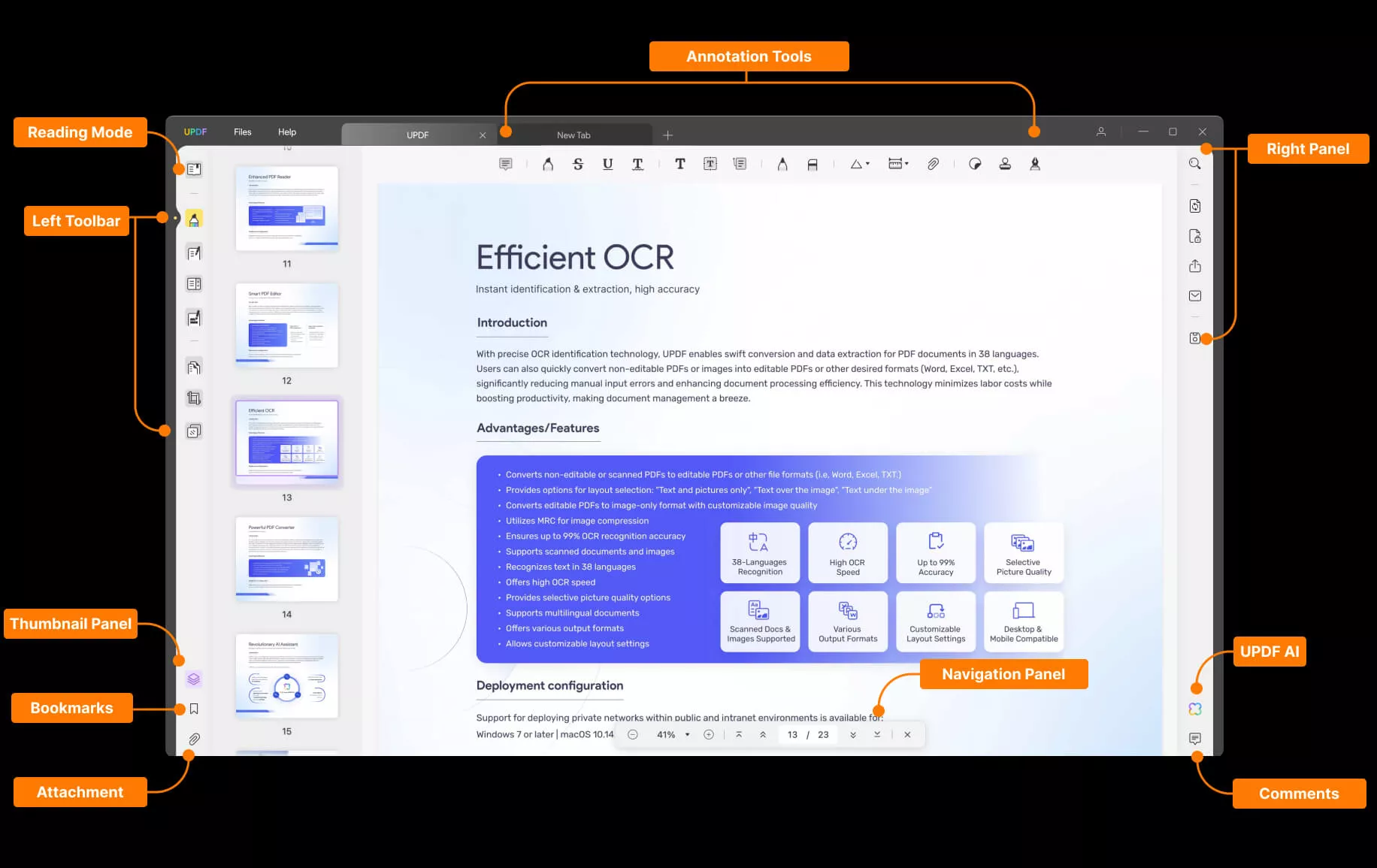
To enhance the user guide for UPDF software, an introductory PDF has been included below. This document provides a visual overview of UPDF's key features and functionalities, highlighting its intuitive design, advanced capabilities, and extensive language support. Through this PDF presentation, users can quickly grasp the powerful tools UPDF offers for PDF viewing, editing, conversion, OCR, and more.
